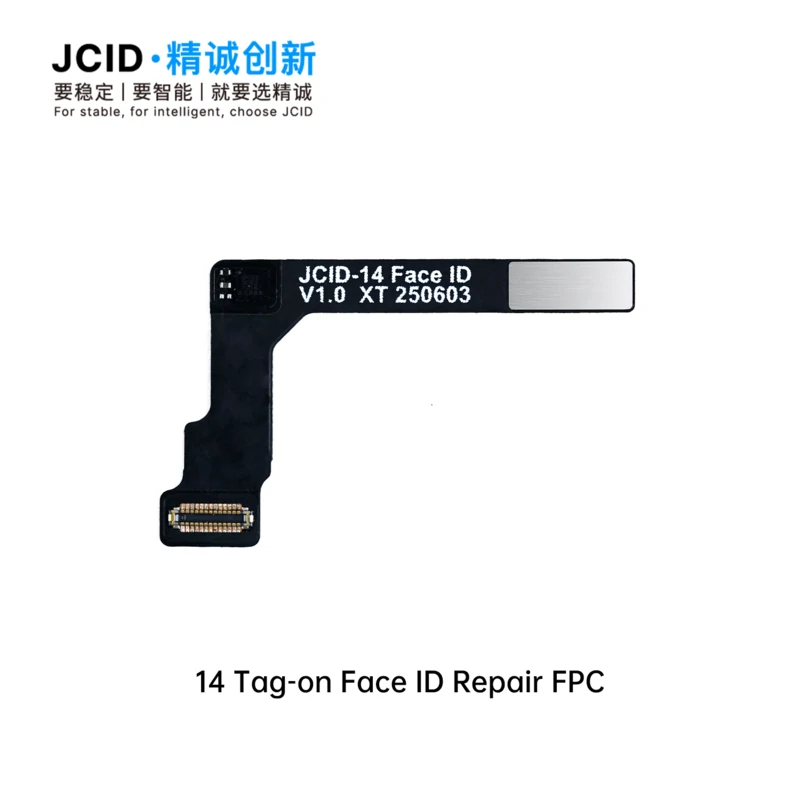
JCID Face ID Tag On for Iphone 14 For an iPhone 14, a JCID “Tag-on” Face ID repair kit uses a special flex cable and a JCID programmer (like the V1S/V1SE/V1S Pro) to fix Face ID issues without having to remove the sensitive dot projector chip from the original component. What is a JCID “Tag-on” Face ID repair? Due to how Apple’s hardware is designed, a simple component swap of the TrueDepth camera will disable Face ID. Each component in the TrueDepth system is cryptographically paired to the iPhone’s logic board. The “tag-on” method uses a replacement flex cable to fix the Face ID function by reading the encrypted data from the original, broken component and writing it to the new one. This process involves: Reading data: Connecting the original TrueDepth module to a JCID programmer to back up its unique encrypted data. Writing data: Transferring the data from the programmer to a new, blank JCID tag-on flex cable. Attaching and installing: Connecting the new flex cable to the original TrueDepth components and installing it back into the phone. What is needed for an iPhone 14 Face ID repair? To perform a JCID tag-on Face ID repair for an iPhone 14, you will need: JCID Programmer: A programming tool like the JCID V1S, V1SE, or V1S Pro. This device is essential for reading and writing the necessary data. JCID Tag-On Flex Cable (for iPhone 14 series): A specific Face ID flex cable for the iPhone 14, 14 Plus, 14 Pro, or 14 Pro Max. These are designed to work with the JCID programmer and are available from electronics repair suppliers. A broken TrueDepth component: The original TrueDepth module from the iPhone 14. This is the component you will be repairing. Soldering equipment (optional, but often needed): While the tag-on flex is designed to simplify the process, many Face ID issues still require microsoldering to transfer parts like the flood illuminator or to fix broken connections. How does the repair process work? Read the original data: Connect your JCID programmer to the original, non-functional TrueDepth module. Use the programmer’s software to read and back up the unique Face ID data. Attach the new flex: Take the original module and attach the new JCID tag-on flex cable. Write the data: Connect the new flex to the JCID programmer and use the programmer to write the backed-up data from step 1 onto the new flex. Reassemble: Install the repaired TrueDepth module back into the phone and reassemble the device. Face ID should now function normally, as the unique serialized data has been transferred to the new component.